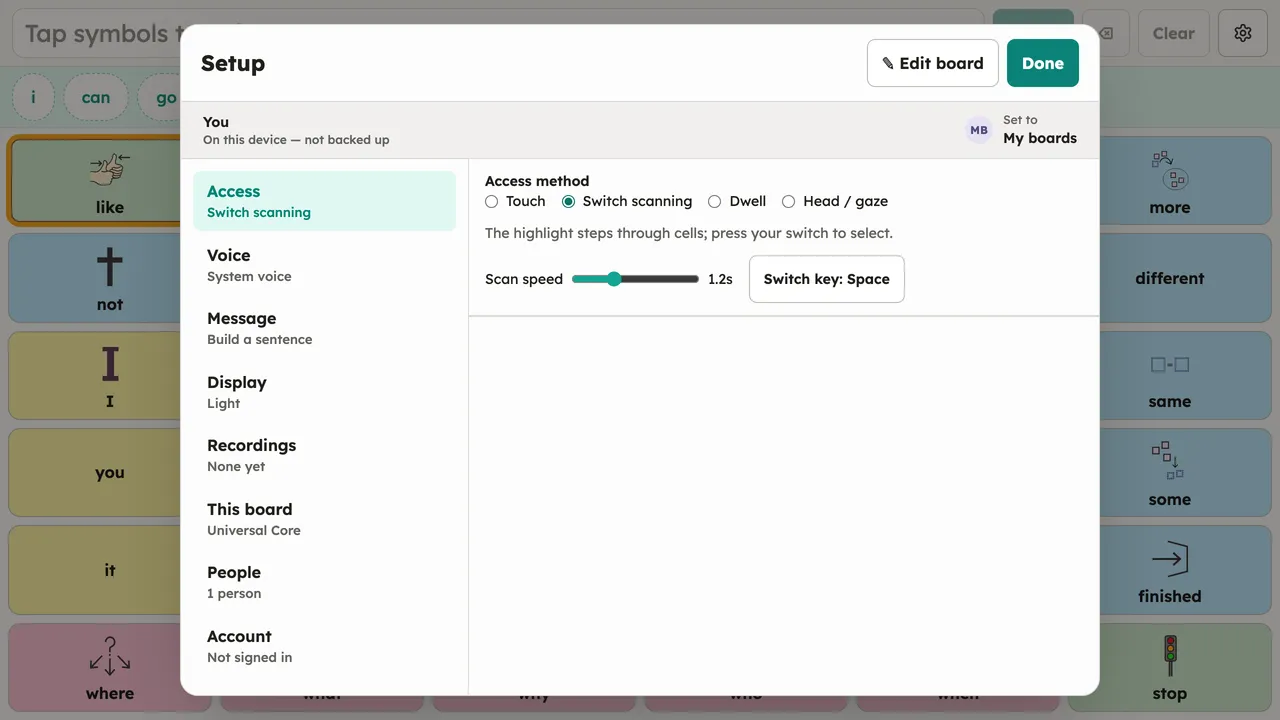
Switch scanning
With Setup → Access → Switch scanning, a highlight steps through the board’s cells and message-bar controls; pressing the switch selects whatever is highlighted. Any switch that presents as a keyboard key works. The key is configurable in the Access panel (Space and Enter are the common defaults).
Hidden message-bar controls are genuinely gone for scanning too: if a person’s sentence-bar layout hides the delete or Clear control, the scan order skips it, so each pass has fewer stops.