Quick start
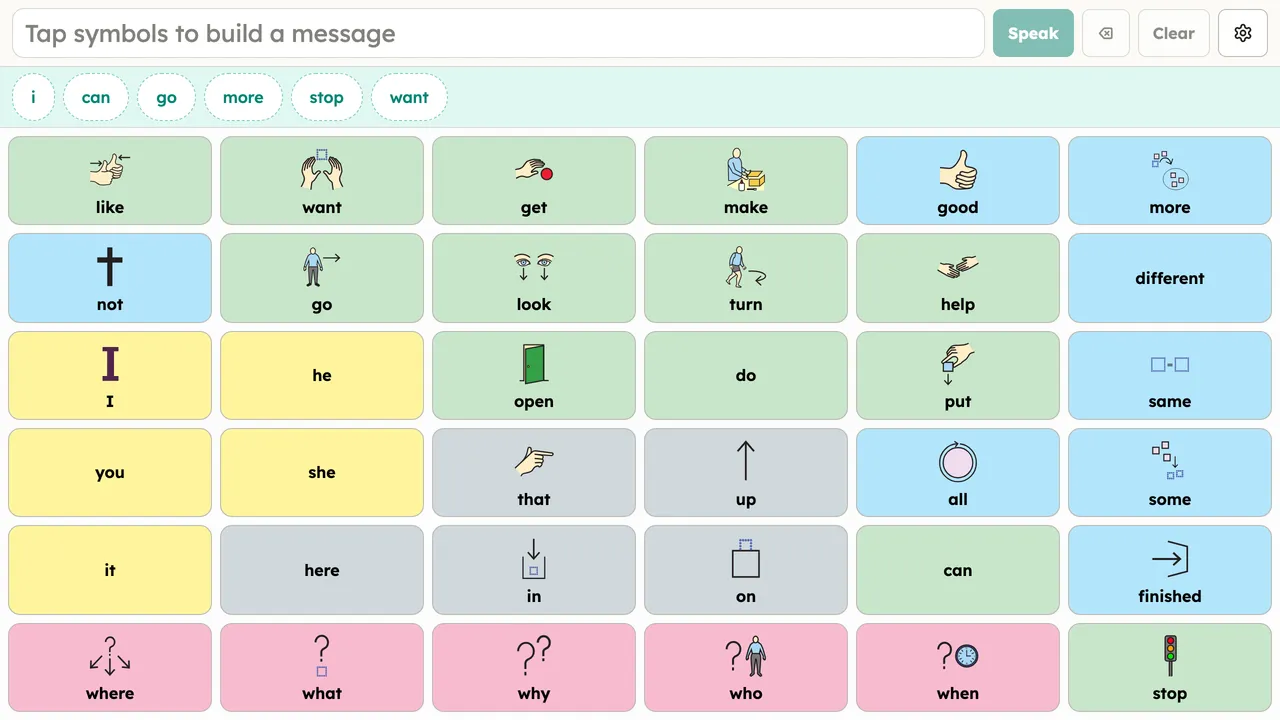
Open app.publicaac.org in any modern browser. That’s the whole install: the app loads a ready-to-use core words board and speaks the moment you tap a button. There is nothing to sign up for and nothing to download first.
Quick setup
Section titled “Quick setup”The first time the app opens you’ll see a small welcome card over the board. The board is already fully usable while it’s showing. The card offers Quick setup, three optional steps:
- Who is this for? The person’s name, used to label their boards and settings.
- How many buttons? Start smaller (2×3 or 3×3) or keep the full 36-word Universal core board.
- Choose a voice. Pick from the voices on your device, or download an offline neural voice.
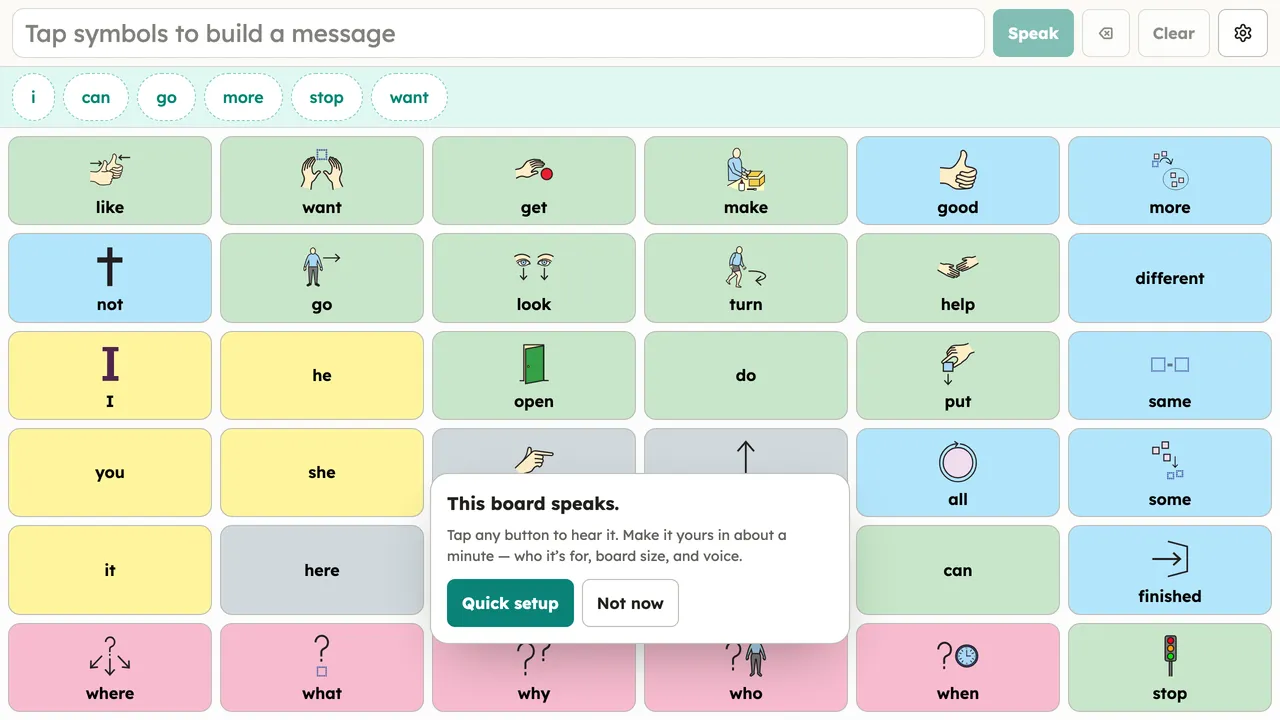
Choose Not now to skip; everything in the wizard can be changed later in Setup (the gear button).